
Start from your image
Upload an image or open one from your library. Create an editable project so you can return to the composition later. Keep the original available while you experiment with the design.
Edit text, arrange layers and combine shapes with your own images on the canvas.
Includes manual canvas controls. AI processing is not included in the current workspace.
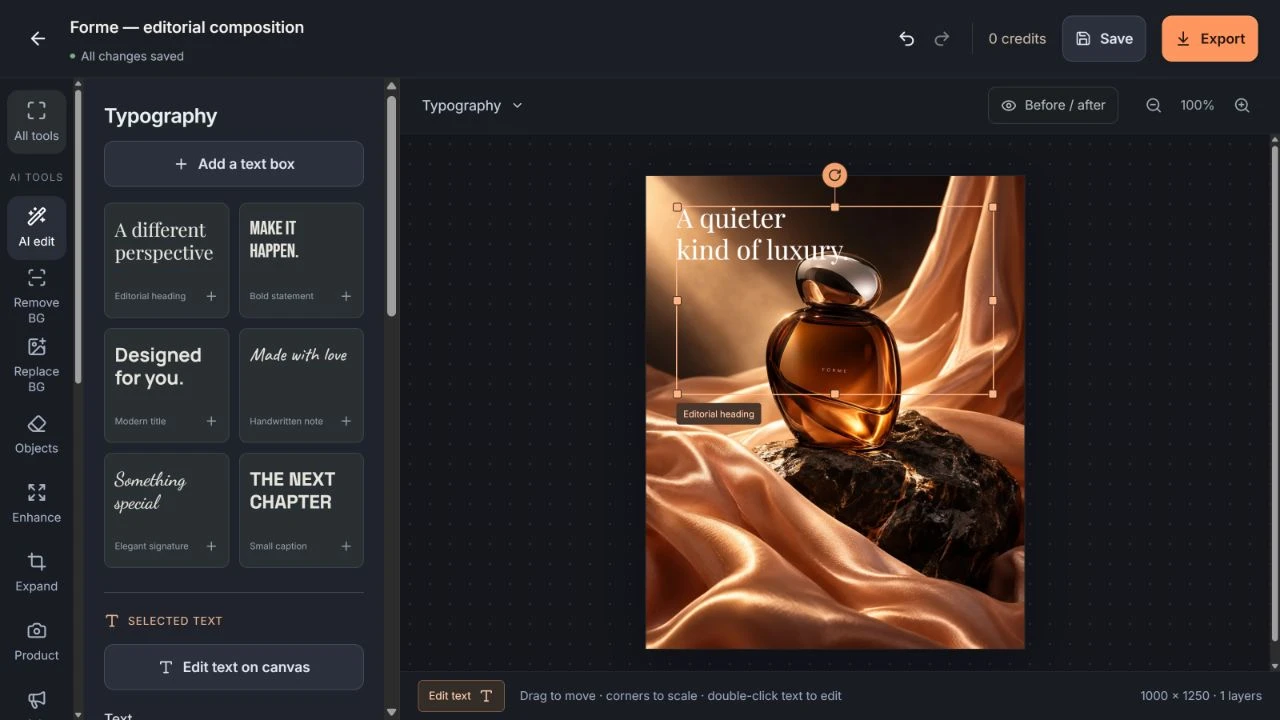
Use contrast and generous space to make the most important message easy to read, especially when the design will be viewed on a phone.
Upload an image or open one from your library. Create an editable project so you can return to the composition later. Keep the original available while you experiment with the design.
Add text, shapes or another image as separate layers. Move and resize them on the canvas, adjust typography and colors, and use the layers panel to manage visibility and stacking order.
Review the full composition and inspect small details before exporting. Keep the editable project when you want to change the wording or arrangement later; a flattened export does not preserve editable layers.