
A stronger composition
Crop, resize and adjust your image to give the subject room to stand out.
Turn your images into considered product shots, campaign visuals and designs with a personal finish.
Includes image uploads, canvas editing and saved projects; AI processing is not included.

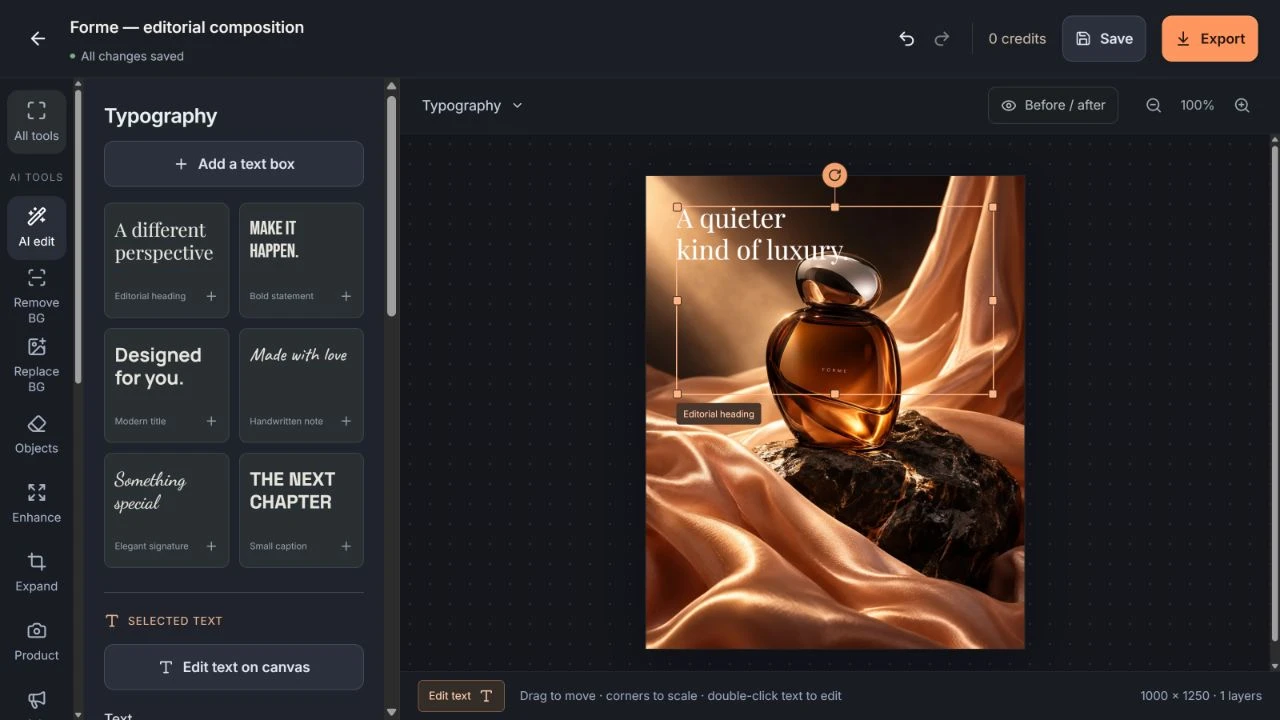
A strong image deserves a considered finish. Bring your photography onto the canvas, find the right composition and give every word and layer its place. Save an editable project for the next revision, then export a design that is ready to share.
Crop, resize and adjust your image to give the subject room to stand out.
Arrange editable text, shapes and image layers with control over the finishing details.
Keep an editable project alongside your exported design, so a new idea does not mean starting over.
From product photography to campaign design: twelve focused approaches to a stronger image.
Original image concepts guided by a written brief, visual style and considered composition.
Edit text, arrange layers and combine shapes with your own images on the canvas.
A precise edit brief for the whole image or a selected area, with clear details to preserve.
A clean, isolated subject for product layouts, portraits and a different visual setting.
A setting that supports the subject, from simple color to a carefully directed scene.
A distraction-free composition, with a focused removal brief that respects the surrounding scene.
A clearer visual finish, with attention to light, color, texture and the intended output size.
More space around the subject for a wider composition, a new format or considered typography.
A product-led image direction that connects the reference, setting, lighting and material details.
A campaign visual brief built around the offer, audience, placement and a clear message.
Social image concepts with a defined audience, platform and reason to stop scrolling.
A considered look at composition, legibility and how well an image serves its creative brief.
PNG, JPEG and WebP are supported. PNG preserves transparency for cutouts and layered compositions. JPEG uses a solid background. Keep the editable project separately when you need to revise individual elements.
Yes, in the saved project. It retains editable text and layers independently of the exported image, making it useful for changing a headline, adapting a layout or preparing another version.
Image exports support up to 4 megapixels, with a maximum of 4,096 pixels on either side. Both limits apply, so the largest permitted dimensions depend on the image’s proportions.
Use your original logo as an image layer and keep wording as editable text. The manual canvas gives you direct control over their appearance and placement, which is useful when brand details must stay precise.